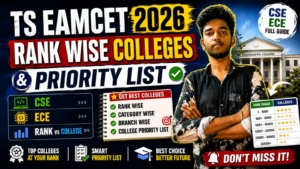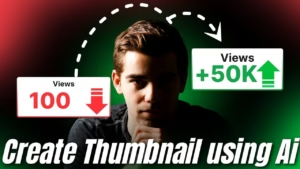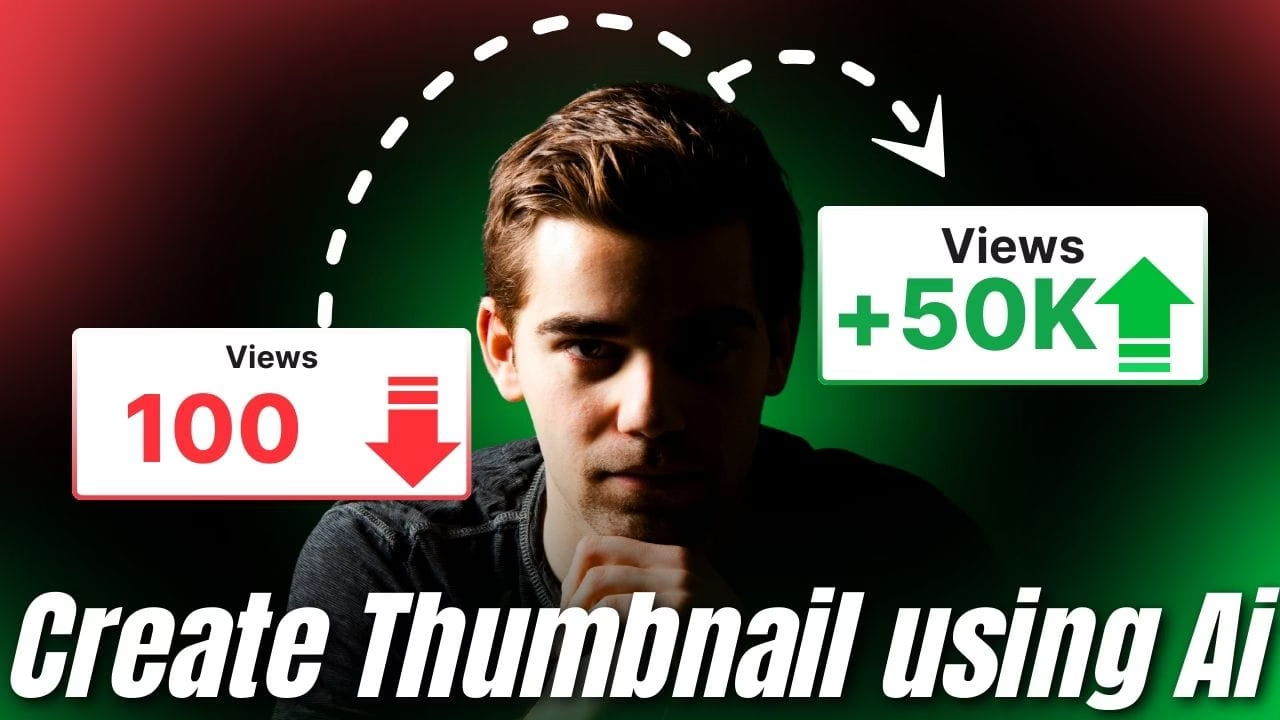
AI tools now make it much easier to create content, particularly for people who publish on YouTube, or Instagram. Thumbnails and posters are a big deal for that kind of thing. I came across this one called Nano Banana, and its trending a lot right now for images. It’s not its own app though, people get that wrong sometimes. It’s actually part of the Google Gemini app, like a model inside there for generating and editing pictures.
STEP BY STEP PROCESS OF TO CREATE YOUTUBE THUMBNAIL USING Nano Banana:
➡️ Open ChatGPT
➡️ Give instructions to the ChatGPT about Your thumbnail
Example: I done one video in my YouTube channel about how to learn python from basics to advance. So, i need to create a YouTube thumbnail by using ai tool Nano banana. So, i need a good prompt and also use my photo in right-side of the image & i need text in Telugu and also don’t change my face and add best background for these topic & add elements too. so direct copy Cheslea prompt ivvu.
➡️ ChatGPT Will give best prompt to you. If You doesn’t like the prompt, then tell to ChatGPT to change these elements (what you want to change) Then ChatGPT will rewrite the prompt based on your information.
➡️Go To google search FLOW (THAT IS GOOGLE LABS)
➡️If You want to create many images (0r) thumbnails Then you need to have google ai pro subscription. (BUT THE SUBSCRIPTION IS FREE FOR JIO USERS)
➡️Then You need to login with Gmail.
➡️Now Click on Create image and paste your copied prompt from ChatGPT. Don’t forget to insert your image.
➡️ If you click on settings (or) 3 lines then there will be a two options landscape (16:9) and portrait (9:16). Choose the landscape because your creating YouTube thumbnail.
➡️Within Two (or) three minutes your YouTube thumbnail is ready.
HOW TO CREATE A YOUTUBE THUMBNAIL USING GOOGLE GEMINI APP:
➡️Download Google Gemini app in play store if you have already then, no need to download again.
➡️Sign (or) login with your mail.
➡️Above is the same process you should follow like open ChatGPT and copy the prompt then paste the prompt in google Gemini app.
➡️ At, the bottom of the prompt you can see some options like FAST. So, click on the fast You can see some options like thinking, PRO, Upgrade to google Ai plus.

➡️Now, click on the Thinking By using this you can generate 3 images FOR FREE.
➡️After Some time Your YouTube thumbnail is ready.
Gemini AI PRO FREE FOR UNIVERSITY STUDENTS (FOR ONE YEAR):
➡️Search Google Gemini Ai pro
➡️Now, click on verify eligibility
➡️You Will see verify your student status
➡️Enter Your details
➡️Now, you need to upload your id card or college id card
➡️After some time your account will get verified. (Sometimes it takes more than 1 hour or 2 days)
➡️Then you will see payment (it is free for 1 year) so you need to cancel the auto pay option after clicking to subscribe.
➡️Now, click on continue just two rupees will cut in your bank account after some time it will also refund to your account.
➡️Now, click on go to Gemini ai pro
➡️On the top You can see pro subscription icon.
👉 NOTE: You must need to cancel the autopay option if you do not cancel the autopay option then automatically next year the amount will cut in your bank account.
➡️If you want to cancel autopay then Click on phonepe app.

➡️on Top click on your profile.
➡️click on manage bank payments
➡️Scroll down you can see autopay option
➡️You can see that google Gemini subscription
➡️Now, click on delete autopay.
➡️Successfully autopay is deleted.
FAQ’S:
- is jio google Gemini pro free?
A) yes, it is free for jio users (aged 18 years above)
2. is google Gemini ai pro is free for students?
A) yes
3. How many years does google Gemini ai pro is free?
A) for students it is free for 1 year and for jio users free for 18 months.